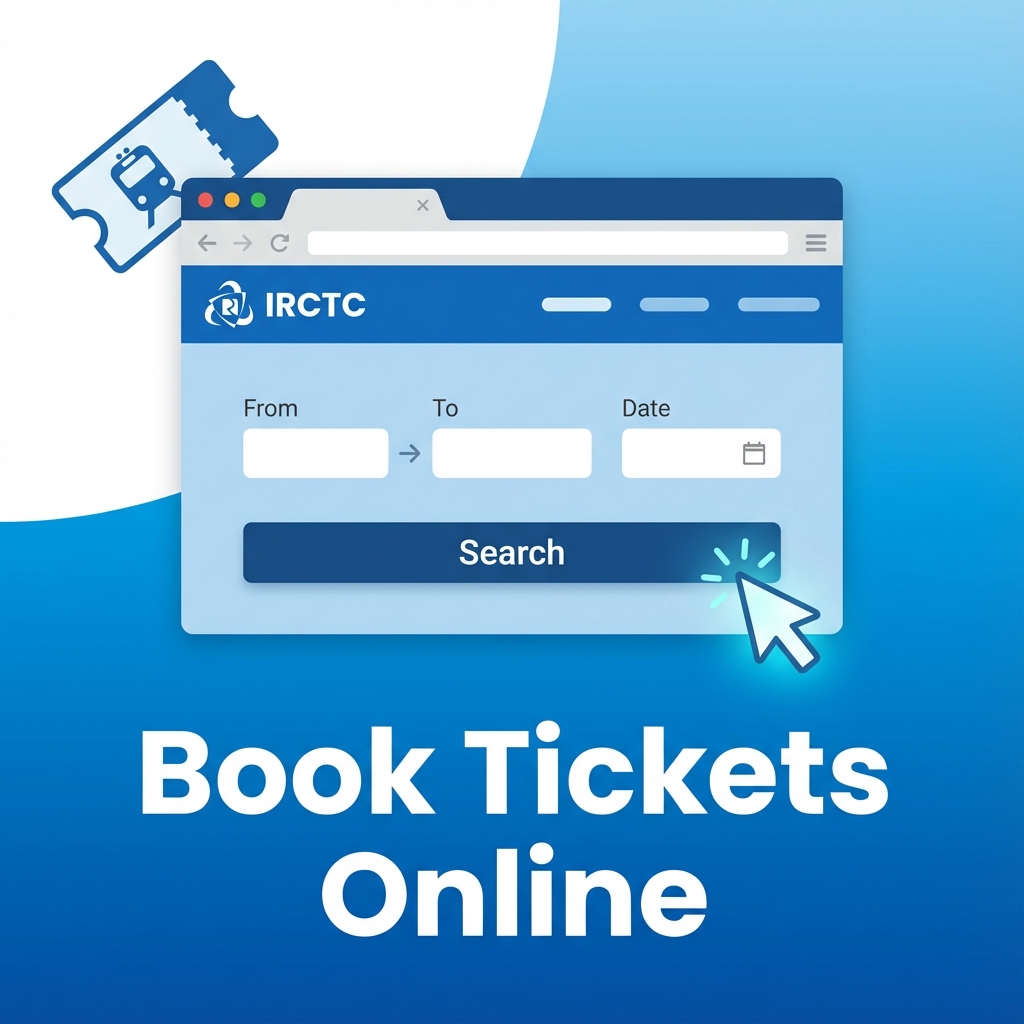
Booking train tickets online through the IRCTC website has become the most convenient way to reserve your railway journey in India. This comprehensive guide will walk you through every step of the booking process, from creating an account to receiving your e-ticket.
Prerequisites for Booking IRCTC Tickets
Before you start booking, make sure you have the following ready:
- IRCTC Account: You need a registered account on irctc.co.in
- Valid Email ID: For receiving booking confirmations and e-tickets
- Mobile Number: For OTP verification and SMS updates
- Passenger Details: Name, age, and gender of all travelers
- Payment Method: Credit/debit card, net banking, UPI, or wallet
- Stable Internet Connection: Essential for smooth booking process
Step 1: Visit the Official IRCTC Website
Open your web browser and go to www.irctc.co.in. Make sure you're on the official website to avoid phishing scams. The official IRCTC website has a secure HTTPS connection (look for the padlock icon in your browser's address bar).
Step 2: Login to Your IRCTC Account
Click on the "Login" button in the top right corner of the homepage. Enter your username and password. If you don't have an account, click on "Register" and follow the registration process.
First-Time Users: Creating an IRCTC Account
- Click on "Register" or "Sign Up"
- Fill in your personal details (name, date of birth, gender)
- Provide contact information (email, mobile number)
- Create a unique username and strong password
- Verify your email and mobile number with OTP
- Complete the registration process
Step 3: Search for Trains
Once logged in, you'll see the train search form on the homepage. Fill in the following details:
- From Station: Enter your departure station (start typing and select from suggestions)
- To Station: Enter your destination station
- Journey Date: Select your travel date (you can book up to 120 days in advance)
- Class: Choose your preferred class (Sleeper, AC 3-Tier, AC 2-Tier, etc.)
- Quota: Select General or Tatkal (Tatkal opens 1 day before journey)
Click on "Find Trains" or "Search" to see available trains.
Step 4: Select Your Train
The search results will display all available trains for your route and date. For each train, you'll see:
- Train number and name
- Departure and arrival times
- Journey duration
- Availability status (Available, RAC, Waiting List)
- Fare for different classes
Review the options carefully and click on "Book Now" or the availability link for your preferred train and class.
Step 5: Enter Passenger Details
On the passenger details page, you need to add information for all travelers:
- Add Passenger: Click "Add Passenger" button
- Name: Enter full name as per ID proof (first name and last name)
- Age: Enter accurate age of the passenger
- Gender: Select Male/Female/Transgender
- Berth Preference: Choose Lower/Middle/Upper/Side Lower/Side Upper (optional)
- Food Choice: Select veg/non-veg if applicable
You can book tickets for up to 6 passengers in one transaction. At least one passenger must be an adult (18 years or above).
Important Points About Passenger Details
- Names should match government-issued ID proofs
- Children below 5 years travel free (no separate berth)
- Children aged 5-12 years get concessional fares
- Senior citizens (60+ for men, 58+ for women) get discounts
Step 6: Review and Confirm Booking
Before proceeding to payment, carefully review all details:
- Train number, name, and date
- Boarding and destination stations
- Passenger names, ages, and genders
- Total fare amount
- Contact details (mobile and email)
If everything is correct, accept the terms and conditions and click on "Make Payment" or "Continue to Payment".
Step 7: Make Payment
IRCTC offers multiple payment options:
- Credit/Debit Cards: Visa, Mastercard, RuPay
- Net Banking: All major banks supported
- UPI: Google Pay, PhonePe, Paytm, etc.
- Mobile Wallets: Paytm, Mobikwik, etc.
- IRCTC e-Wallet (iPay): Pre-loaded wallet for faster checkout
Select your preferred payment method, enter the required details, and complete the transaction. You may need to enter an OTP for authentication.
Step 8: Receive Your E-Ticket
After successful payment, you'll receive:
- Booking Confirmation: On-screen confirmation with PNR number
- SMS: Booking details sent to your registered mobile number
- Email: E-ticket PDF sent to your registered email address
Save the e-ticket PDF on your phone or take a printout. You'll need to show this along with a valid photo ID during your journey.
Tips for Faster IRCTC Booking
- Save Passenger Details: Add frequently traveling passengers to your master list for quick selection
- Use Autofill: Enable browser autofill for faster form completion
- Pre-load IRCTC Wallet: Add money to iPay wallet for instant payment
- Book During Off-Peak Hours: Avoid booking between 8-10 AM and 8-10 PM for better website speed
- Use Multiple Devices: For Tatkal booking, try from multiple devices simultaneously
- Clear Browser Cache: Regularly clear cache and cookies for better performance
- Stable Internet: Use a reliable internet connection, preferably wired connection for Tatkal
Common Booking Issues and Solutions
Payment Failed But Amount Deducted
If payment fails but money is deducted from your account, don't panic. The amount will be automatically refunded to your account within 7-10 working days. Check your IRCTC account's "Booked Ticket History" to confirm if the ticket was issued.
Unable to Login
If you're unable to login, try these solutions:
- Check if Caps Lock is on
- Clear browser cache and cookies
- Try a different browser
- Reset your password using "Forgot Password" option
- Contact IRCTC customer care if issue persists
Train Not Showing in Search Results
Possible reasons and solutions:
- Train doesn't run on selected day - check train schedule
- Booking not yet opened - advance booking opens 120 days before journey
- Train cancelled - check official IRCTC announcements
- Wrong station codes - verify station names
What to Do After Booking
- Save E-Ticket: Download and save the PDF, take a screenshot or printout
- Note PNR Number: Keep your 10-digit PNR number handy for tracking
- Check PNR Status: Monitor your ticket status regularly if it's RAC or waitlisted
- Prepare ID Proof: Carry original ID proof mentioned during booking
- Set Reminders: Set reminders for journey date and reporting time
Cancellation and Refund
If you need to cancel your ticket:
- Login to IRCTC and go to "Booked Ticket History"
- Select the ticket you want to cancel
- Click on "Cancel Ticket" and confirm
- Cancellation charges will be deducted based on time of cancellation
- Refund will be credited to your account in 7-10 days
For detailed refund rules, check our IRCTC Refund Rules Guide.
Frequently Asked Questions
How long does it take to book a train ticket on IRCTC?
Booking a train ticket on IRCTC typically takes 5-10 minutes if you have all passenger details ready. During peak hours or Tatkal booking, the process should be completed as quickly as possible, ideally within 2-3 minutes.
Can I book tickets for others on IRCTC?
Yes, you can book tickets for up to 6 passengers per transaction on IRCTC. You need to provide their name, age, and gender. One passenger must be an adult (18+ years). You can also save frequent travelers in your master list for quick booking.
What payment methods are accepted on IRCTC?
IRCTC accepts credit cards (Visa, Mastercard, RuPay), debit cards, net banking from all major banks, UPI (Google Pay, PhonePe, Paytm), mobile wallets, and IRCTC e-wallet (iPay). Most major payment providers are supported.
How many days in advance can I book train tickets?
You can book train tickets up to 120 days (approximately 4 months) in advance, excluding the date of journey. Tatkal tickets can be booked one day before the journey date.
What should I do if my payment fails?
If payment fails, first check your IRCTC account's "Booked Ticket History" to see if the ticket was issued. If money was deducted but no ticket was generated, the amount will be automatically refunded within 7-10 working days. You can try booking again with a different payment method.
Do I need to print the e-ticket?
No, printing is not mandatory. You can show the e-ticket on your mobile phone along with a valid photo ID proof. However, it's recommended to have a printout or screenshot as a backup in case of phone battery or technical issues.
Earn Rewards on Every Booking
The SBI IRCTC RuPay Credit Card gives reward points on every IRCTC booking, plus free railway lounge access and a fuel surcharge waiver.
See Card Benefits →Related Guides
Need More Help with IRCTC?
Explore our comprehensive collection of IRCTC guides, tips, and tutorials
Browse All Guides