Quick Summary
- Time Required: 5-10 minutes
- What You Need: IRCTC account, 12-digit Aadhaar number, registered mobile number
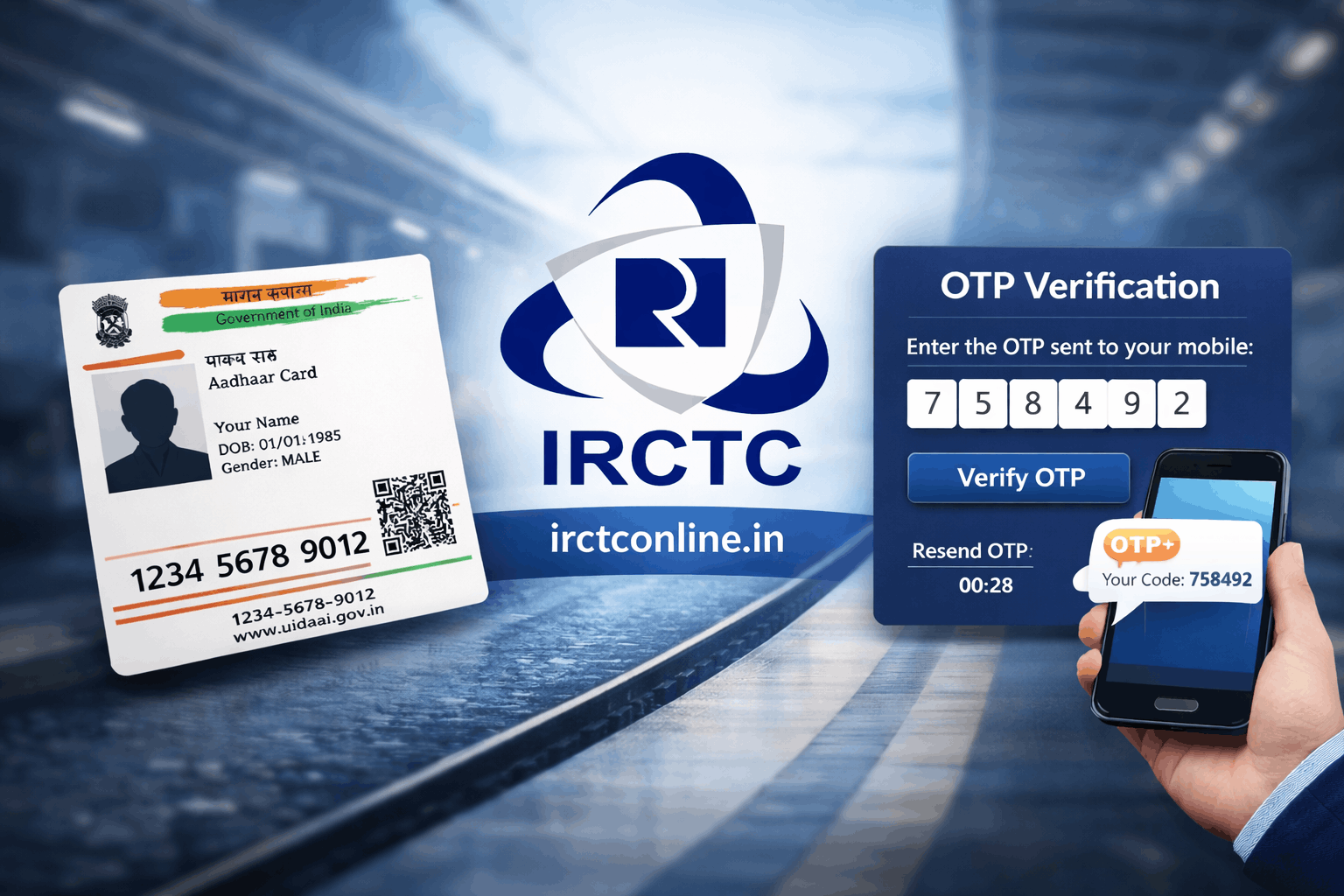
- Process: Login ? My Profile ? Aadhaar KYC ? Enter Aadhaar ? Verify OTP ? Done
- Benefits: Enhanced security, faster refunds, priority services, compliance
- Cost: Completely free
Pro Tip: Ensure your name on IRCTC exactly matches your Aadhaar card to avoid verification issues.
⚠️ Important Update 2026
Linking your Aadhaar card with IRCTC account is now mandatory for enhanced security and seamless ticket booking. This guide will walk you through the complete process in just a few simple steps.
Why Link Aadhaar with IRCTC Account?
The Indian Railway Catering and Tourism Corporation (IRCTC) has made Aadhaar linking an essential part of their Know Your Customer (KYC) process. Here's why it matters:
? Key Benefits of Linking Aadhaar
- Enhanced Security: Prevents unauthorized access and fraudulent bookings
- Faster Verification: Streamlined KYC process for quicker account verification
- Priority Services: Access to premium features and faster customer support
- Compliance: Meets government regulations for railway services
- Seamless Refunds: Faster processing of ticket cancellations and refunds
- Tatkal Booking: Required for booking tatkal tickets in many cases
Prerequisites Before You Start
Before beginning the Aadhaar linking process, make sure you have:
- Active IRCTC Account: You must have a registered IRCTC account
- Aadhaar Card: Your 12-digit Aadhaar number
- Registered Mobile Number: The mobile number linked to your IRCTC account
- Valid Email ID: Email address registered with IRCTC
- Internet Connection: Stable internet for the verification process
⚠️ Important Note
Ensure that the name on your Aadhaar card exactly matches the name on your IRCTC account. Any mismatch may lead to verification failure. Minor spelling differences can cause issues.
Step-by-Step Guide to Link Aadhaar with IRCTC
Step 1: Log in to Your IRCTC Account
- Visit the official IRCTC website: www.irctc.co.in
- Click on the "Login" button in the top right corner
- Enter your User ID and Password
- Complete the captcha verification
- Click "Sign In"
Step 2: Navigate to My Profile
- After logging in, click on your username in the top right corner
- From the dropdown menu, select "My Profile"
- You'll be redirected to your account details page
Step 3: Access Aadhaar KYC Section
- On the My Profile page, look for the "Aadhaar KYC" or "Link Aadhaar" option
- Click on "Update Aadhaar Details" or similar button
- You may be asked to verify your identity with an OTP
Step 4: Enter Aadhaar Details
- Enter your 12-digit Aadhaar number carefully
- Re-enter the Aadhaar number in the confirmation field
- Verify that the name displayed matches your IRCTC account name
- Click on "Submit" or "Verify"
Step 5: OTP Verification
- An OTP (One-Time Password) will be sent to your registered mobile number
- Enter the 6-digit OTP in the verification field
- Click "Verify OTP"
- Wait for the system to validate your Aadhaar details
Step 6: Confirmation
- Upon successful verification, you'll see a confirmation message
- Your Aadhaar status will change to "Verified"
- You'll receive a confirmation email and SMS
- The process is now complete!
Success!
Your Aadhaar is now successfully linked with your IRCTC account. You can now enjoy enhanced security and faster services for all your railway bookings.
Alternative Method: Link Aadhaar via IRCTC Mobile App
You can also link your Aadhaar using the IRCTC Rail Connect mobile app:
- Download and install the IRCTC Rail Connect app from Google Play Store or Apple App Store
- Log in with your IRCTC credentials
- Tap on the menu icon (three horizontal lines)
- Select "My Profile" or "Account Settings"
- Find the "Aadhaar KYC" option
- Enter your Aadhaar number and verify with OTP
- Complete the verification process
Common Issues and Troubleshooting
Issue 1: Name Mismatch Error
Problem: The name on your Aadhaar doesn't match your IRCTC account name.
Solution:
- Update your IRCTC profile name to match your Aadhaar exactly
- Go to My Profile ? Edit Profile ? Update Name
- Ensure spelling, spacing, and format are identical
- Wait 24-48 hours for the update to reflect, then retry linking
Issue 2: OTP Not Received
Problem: You're not receiving the OTP on your registered mobile number.
Solution:
- Check if your mobile number is correctly registered with IRCTC
- Ensure your phone has network coverage
- Wait for 2-3 minutes as OTPs can sometimes be delayed
- Check your spam/junk folder for SMS
- Try the "Resend OTP" option
- Update your mobile number if it has changed
Issue 3: Aadhaar Already Linked to Another Account
Problem: System shows that your Aadhaar is already linked to another IRCTC account.
Solution:
- Contact IRCTC customer care at 14646 or 0755-6610661
- Provide your Aadhaar number and IRCTC user ID
- Request to unlink Aadhaar from the previous account
- You may need to submit a written request with ID proof
Issue 4: Technical Error or Server Down
Problem: Website shows error messages or is not responding.
Solution:
- Try during non-peak hours (early morning or late night)
- Clear your browser cache and cookies
- Try a different browser (Chrome, Firefox, Edge)
- Check IRCTC's official social media for maintenance updates
- Wait for a few hours and try again
Issue 5: Invalid Aadhaar Number
Problem: System shows "Invalid Aadhaar Number" error.
Solution:
- Double-check that you've entered all 12 digits correctly
- Ensure there are no spaces or special characters
- Verify your Aadhaar number from your physical card or e-Aadhaar
- If the issue persists, contact UIDAI to verify your Aadhaar status
How to Check Aadhaar Linking Status
To verify if your Aadhaar is successfully linked (similar to checking your PNR status):
- Log in to your IRCTC account
- Go to My Profile
- Look for the Aadhaar KYC Status section
- It should show "Verified" or "Linked"
- You may also see your masked Aadhaar number (XXXX XXXX 1234)
Important Things to Remember
- Aadhaar linking is a one-time process
- Keep your Aadhaar details confidential and secure
- Never share your Aadhaar OTP with anyone
- IRCTC will never ask for your Aadhaar via phone or email
- The linking process is completely free
- Beware of fake websites claiming to link Aadhaar for a fee
- Always use the official IRCTC website or app
What Happens After Linking?
Once your Aadhaar is successfully linked with your IRCTC account:
- Your account becomes fully verified
- You can book tickets with enhanced security
- Refund processing becomes faster
- You gain access to premium services and IRCTC tour packages
- Your account is protected from unauthorized access
- You comply with government regulations
Pro Tip
After linking your Aadhaar, take a screenshot of the confirmation page for your records. This can be helpful if you need to reference it later or face any issues.
Frequently Asked Questions (FAQs)
Is Aadhaar linking mandatory for IRCTC?
While not strictly mandatory for all users, linking Aadhaar is highly recommended and increasingly required for certain services like tatkal bookings, refunds, and premium features. It's part of the government's KYC initiative for enhanced security.
Can I book tickets without linking Aadhaar?
Yes, you can still book general tickets without Aadhaar linking. However, certain services and features may be restricted. For the best experience and access to all features, it's recommended to link your Aadhaar.
How long does the Aadhaar verification process take?
The verification process is usually instant and takes only 2-5 minutes. However, in some cases, it may take up to 24 hours for the status to update in your account. If it takes longer, contact IRCTC customer support.
Can I link multiple IRCTC accounts with one Aadhaar?
No, one Aadhaar number can only be linked to one IRCTC account. This is a security measure to prevent misuse and ensure proper identification. If you need to link it to a different account, you must first unlink it from the current one.
What if my Aadhaar and IRCTC names don't match?
You need to update either your IRCTC profile name or your Aadhaar name to ensure they match exactly. It's easier to update your IRCTC profile. Go to My Profile ? Edit Profile and change your name to match your Aadhaar card exactly, including spelling and spacing.
Is my Aadhaar data safe with IRCTC?
Yes, IRCTC follows strict data protection protocols and government regulations. Your Aadhaar information is encrypted and stored securely. IRCTC only uses it for verification purposes and doesn't share it with third parties.
Can I unlink my Aadhaar from IRCTC?
Yes, you can unlink your Aadhaar by contacting IRCTC customer care. You'll need to provide a valid reason and may need to submit a written request. The process can take 7-15 business days.
What should I do if I get an error during linking?
First, verify that all details are correct. Try clearing your browser cache, using a different browser, or attempting during non-peak hours. If the problem persists, contact IRCTC customer care at 14646 or email etickets@irctc.co.in with screenshots of the error.
Contact IRCTC Customer Support
If you face any issues during the Aadhaar linking process, you can reach IRCTC customer support:
- Customer Care Number: 14646, 0755-6610661, 0755-4090600
- Email: etickets@irctc.co.in
- Helpdesk Hours: 24x7 (All days)
- Website: www.irctc.co.in
Related Articles
Ready to Book Your Next Journey?
Now that your Aadhaar is linked, enjoy seamless and secure railway ticket booking!
Visit IRCTC Official Website